Clayton State University

Today's Agenda
Two CSU students dressed in orange ang blue leaving the front entrance of the University Center.

  1. Gather your info:
    • Email address used on your application (if you have already applied).
  2. Register: Click "Register Now." Fill out the registration form and select the checkbox at the end to acknowledge policies.
    • Enter the total number of people in your party, including yourself in the count.
  3. Pay Fees: Pay the mandatory $10 registration fee and (if applicable) any guest fees. Bringing guests is optional but encouraged.
    • After submitting your registration form, click "Proceed to Payment."
    • Enter your credit or debit card info and hit "Submit."

Three CSU students working together in the library.

  1. Gather your info:
    • total people in your party (are you paying for yourself or you and guests?)
    • credit/debit card
  2. Submit the payment form(s) using the link below

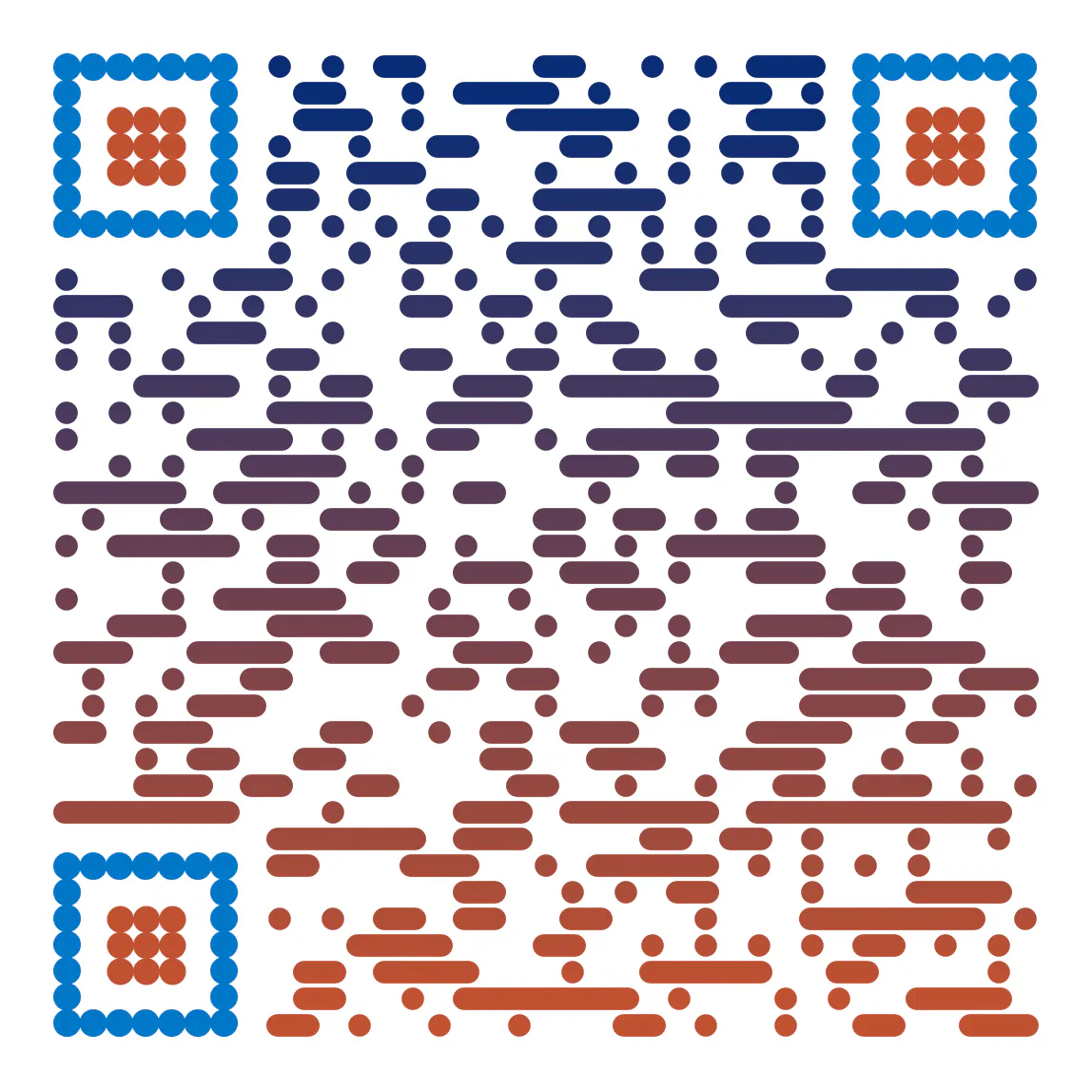
Scan the QR code for the Preview Day event agenda.

Don't miss a moment! Keep the Preview Day agenda right at your fingertips. Scan this QR code to save the link to your phone, OR click the button below to view the agenda now. It's the easiest way to know what's happening and when.

CSU students working together 2

Get started with the Admissions process by logging in to the application portal.

Two women sitting together with a laptop.

Discover the application requirements for your student type, whether you are fresh to college or transferring from another institution.

Student raising his hand in class.

Already applied? Checking your status is easy!

A notepad, pencil, and magnifying glass rest on a white background.

Still deciding your future degree path at Clayton State? Check out our academic programs.